McAfee
F-Secure
AdBlock
NetMirror is a streaming platform that aims to make online entertainment easier to access from one place. If you enjoy watching movies and TV shows in your free time, choosing a service that fits your viewing habits can make a real difference. The platform is often associated with digital entertainment, including films and web series. However, the available content and features may vary depending on the version and source you use. Before getting started, check whether the service supports your device and offers the titles you want to watch.
Also, review its playback options and any account requirements. If you plan to install an APK, verify its source and check the requested permissions first. This helps you avoid suspicious files and unwanted access to your device. In this guide, you will learn about its main features, download and installation process, device compatibility, safety considerations, and common issues. This information will help you make a more informed choice.
NetMirror APK gives Android users an installation package to access the app outside a standard app store. Before installing it, check whether the file comes from a trustworthy source. Also, make sure your device supports the available version and has enough storage space. If Android asks you to allow installation from an unknown source, review the risks before changing that setting. Avoid files that request unusual permissions or promise features without proof. In addition, keep your device security settings active. These simple checks can help you make a safer choice and reduce the risk of installing a modified or harmful file.
NetMirror app offers a simple way to explore available entertainment options on a compatible device. Its ease of use depends on the version and the features it provides. Users should check how the app handles search, playback controls, subtitles, and video settings before relying on it. A clear layout can make it easier to find a title and manage viewing preferences. However, these options may not be available in every version. Also, check the app’s permissions and privacy details before use. This helps you understand how it works and decide whether it suits your needs.
NetMirror web may appeal to users who prefer accessing entertainment through a browser instead of installing another app. It can be a practical option when you want to check available content before deciding how to watch. However, the experience depends on the website’s current availability, device support, and playback performance. A browser-based option may also save installation time. Before using it, check the website address carefully and avoid pages that display suspicious download prompts. Ultimately, choose a service that works well on your device, respects your privacy, and provides clear information about its content and usage terms.
NetMirror Mod APK refers to a modified version of the NetMirror app that may claim to offer extra features or fewer restrictions than the standard version. However, these claims can vary between websites and files. Some versions may promise easier access to movies, TV shows, or other streaming content. Still, there is no guarantee that the changes work as advertised. Modified apps may also lack official updates and support. Therefore, users should check the source carefully before downloading any file. Unknown APKs can contain harmful code or request unnecessary permissions. Always consider these risks before installing a modified streaming app.
Simple and User-Friendly Interface
A simple interface makes it easier to browse content without wasting time. NetMirror APK is easier to navigate when menus, search options, and playback controls are clearly arranged. Users can look for available titles and access settings with fewer steps. If you are looking for a NetMirror APK download, check the available version and its interface before installing it. A clear layout can make everyday use more convenient, especially for new users.
Wide Range of Entertainment Content
A wide range of entertainment content gives viewers more options to suit their tastes. They may find action films, comedy shows, dramas, and other genres in one place. This variety makes it easier to choose something for a quiet evening or a short break. Users can browse different categories and select titles that match their interests. However, the actual selection depends on the available content library and may change over time.
Movies and TV Shows Library
Many viewers look for easy access to movies and TV shows across different genres. NetMirror app download searches often come from users interested in films, drama series, and episodes in one place. This variety helps viewers choose titles that match their interests and available free time. You can look for comedy, action, or drama, depending on the catalog. However, available titles may vary by version, so check the content before relying on the service.
Web Series Collection
A web series collection gives viewers a way to follow stories across several episodes. It may include drama, comedy, action, and thriller series, depending on the available library. Users can choose a show based on its plot, genre, or episode length. This makes it easier to find something that suits their mood and free time. However, the selection can change, so check the available titles before choosing a series to watch.
Multiple Language Options
Viewers who prefer watching content in their own language may benefit from multiple language options. Audio choices and subtitles can make foreign films and shows easier to follow if the service supports them. This feature gives viewers more flexibility when selecting a title. It can also improve the viewing experience for different audiences. However, language availability may vary across videos and app versions, so check the playback settings before watching. These options are worth checking when considering a NetMirror download app.
Video Quality Settings
Video quality settings help users adjust playback to match their internet speed and screen size. Higher resolution can provide sharper images, while lower resolution may reduce data use. This option can be useful when watching videos on mobile data or a slow connection. Users can choose a suitable setting for their needs. However, available resolution options may vary by video and app version, so check the playback menu before streaming.
Smooth Video Playback
Smooth playback can make watching movies and shows more enjoyable. Stable video streaming helps reduce pauses and interruptions during a scene. However, playback depends on several factors, including internet speed, device performance, and video quality. A strong connection can help videos load more consistently. If buffering occurs, try lowering the resolution or checking your network. These simple steps may improve viewing, although results depend on the service and device. Users considering NetMirror TV should also check its playback options.
Built-In Search Function
A built-in search function helps users find specific movies and TV shows without browsing every category. They can enter a title or a related term to check the available results. This saves time and makes content discovery easier. A useful search tool should also handle spelling variations and show relevant matches. However, its accuracy depends on the content library and search system. This feature can make everyday browsing more convenient.
Easy Content Navigation
NetMirror app users may find content more easily when the app uses clear menus and simple categories. A well-organized layout helps viewers move between movies, shows, and other available sections without confusion. It can also reduce the time spent searching for a title. Clear labels and easy-to-find controls make browsing more comfortable, especially for new users. However, the navigation experience depends on the app version and its actual design.
Subtitles Support
Subtitles support can make movies and TV shows easier to follow. It helps viewers understand dialogue when characters speak another language or when background sounds make words hard to hear. Users can read the text while watching each scene. This option can also help people watch videos quietly without turning up the volume. However, subtitles may not be available for every title. Check the playback settings to see which language options the video supports.
Personalized Content Recommendations
Personalized content recommendations can help viewers find movies and shows that match their interests. Users searching for netmirror download in android apk may want an easier way to choose what to watch. If the app offers this feature, it may suggest titles based on viewing activity or selected genres. This can save browsing time and help users find similar content. However, recommendation options depend on the app version and its available features.
Watchlist Management
Watchlist management helps users keep track of movies and shows they plan to watch later. People searching for netmirror app apk download may find this feature useful if their version supports saved titles. A watchlist reduces the need to search for the same content again. Users can add interesting titles and return to them when they have time. However, this option depends on the app version and its available features.
Regular Content Updates
Regular content updates can help keep an entertainment library fresh and useful. Users may find new movies, TV episodes, or series when the service adds more titles. This gives viewers more options over time. However, update schedules can vary, and new content may not appear every day. Users should check the available library for recent additions. They should also keep the app updated through a trusted source when the developer provides a verified release.
Support for Multiple Devices
NetMirror latest APK searches often come from users who want to check device compatibility before installation. Support for multiple devices can make an entertainment service more convenient. Depending on the available version, users may be able to access content on Android phones, tablets, or other supported screens. However, compatibility can vary by device and operating system. Check the official requirements before installing the app or trying to use it on another device.
Quick Access to Available Content
Quick access to available content helps users spend less time browsing and more time choosing what to watch. Clear categories and visible titles can make it easier to find movies, shows, or other available videos. Users can check different sections and select content that matches their interests. A well-organized menu also reduces extra steps. However, access depends on the app’s layout, internet connection, and the content currently available in the library.
Flexible Viewing Experience
NetMirror APK download Android searches may come from users who want a viewing option that fits their daily routine. A flexible viewing experience lets people choose content based on their time, mood, and device. They can watch a short episode during a break or enjoy a movie when they have more free time. Playback options and device compatibility may affect this experience, so users should check which features their version supports.
Easy-to-Use Playback Controls
Easy-to-use playback controls help viewers manage videos without confusion. Users can pause, play, skip, or adjust the volume with a few simple taps. These controls make it easier to watch movies and shows at a comfortable pace. A clear playback bar also helps viewers move to a specific scene when needed. The available controls may vary by app version and video source, but simple options can improve everyday viewing.
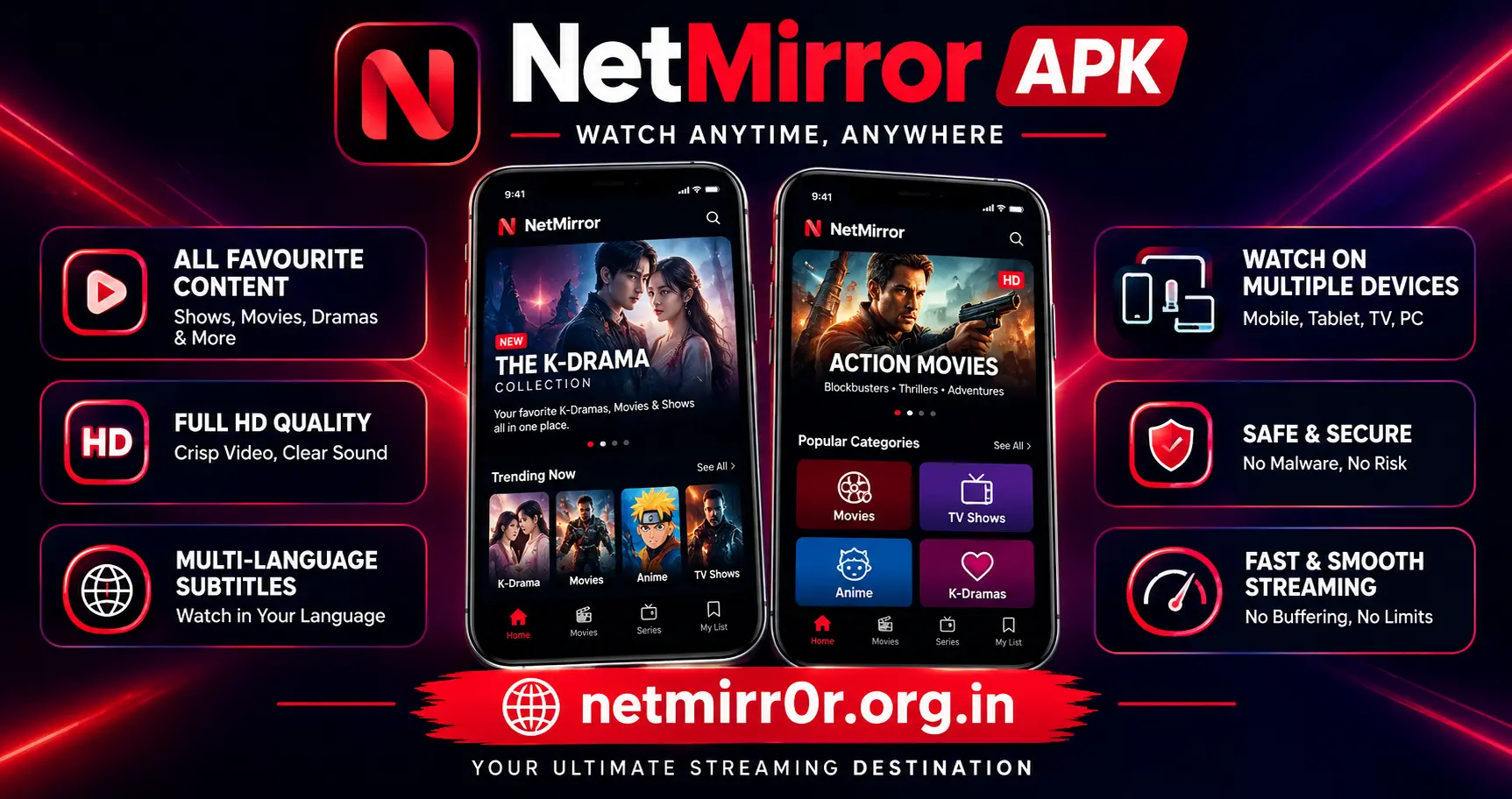
NetMirror and Netflix differ in how they provide entertainment. Netflix is a well-known streaming service with licensed movies, TV shows, original series, and clear subscription plans. NetMirror is associated with access to online entertainment content, but its content sources, availability, and reliability can vary. The main differences include content access, cost, safety, video quality, and official support.
| Feature | NetMirror | Netflix |
| Cost | Often advertised as free | Paid subscription |
| Content | Links to content from different streaming platforms | Licensed movies, shows, and Netflix Originals |
| Account | May not require an account | Requires an account |
| Video quality | Depends on the source and version | Depends on the plan, device, and internet connection |
| Availability | May change or stop working | Available through official apps and website in supported regions |
| Safety | Unofficial APKs can carry security risks | Official apps offer a more reliable installation route |
| Updates | Depends on third-party sources | Official releases and regular service updates |
| Customer support | Limited or unclear | Official help and support options |
NetMirror and other iOS streaming or mirroring tools serve different purposes. NetMirror is promoted as a way to access movies and TV shows through a web-based setup, while tools such as AirPlay focus on sending or mirroring content from an iPhone or iPad to a compatible screen.
| Feature | NetMirror for iOS | Apple AirPlay | Third-Party Mirroring Apps |
| Main purpose | Access online entertainment through a web-based setup | Stream or mirror content to compatible devices | Share an iPhone screen with a TV or computer |
| Installation | May use a browser or web-view app | Built into supported Apple devices | Usually requires a compatible app |
| Movie streaming | Depends on the website and available sources | Depends on the streaming app and receiver | Depends on the app and content restrictions |
| Screen mirroring | Depends on the setup | Supported | Varies by app |
| Device support | Depends on the web service | Apple TV, compatible TVs, and supported Macs | Depends on the app and receiving device |
| Reliability | Can vary with website access | Works with compatible devices and networks | Depends on connection quality and app support |
| Safety | Check the website and any third-party app carefully | Official Apple feature | Choose trusted apps and review permissions |
| Best suited for | Users exploring web-based entertainment | Sharing videos or mirroring an iPhone screen | Presentations, photos, and supported media sharing |
Users should check a few things before installing the app. People searching for netmirror apk download for android latest version should verify the source and avoid unknown websites. Unofficial APK files may contain harmful code or request access to data they do not need. Therefore, review app permissions before installation. Also, check whether the download page provides clear details about the developer and file version. Avoid files that trigger security warnings or ask you to disable phone protection. Use a trusted security scanner if you are unsure about a file. Moreover, never share passwords, payment details, or personal information with an unverified service. No download is completely risk-free. If you cannot confirm the app’s source or safety, do not install it on your device.
If you are comparing options before searching for a NetMirror app download APK for Android, consider these streaming services. Each offers a different content library, viewing experience, and subscription model. Choose one based on your budget and the shows you want to watch.
Netflix offers movies, TV shows, documentaries, and original series. Its library covers many genres and languages. You can stream through its official app or website with a suitable subscription.
Prime Video includes films, TV series, and original productions. Some titles may require an extra rental or purchase fee. Availability and subscription benefits vary by region.
Disney+ features content from Disney, Pixar, Marvel, Star Wars, and National Geographic. It suits viewers who enjoy family entertainment and popular franchises. Its catalog depends on your country.
JioHotstar offers movies, TV shows, sports, and regional entertainment in supported markets. Its plans and content vary by location. Check the official service for current availability.
Tubi is a free, ad-supported streaming service with movies and TV shows. It does not require a paid subscription in supported regions. However, its availability and catalog vary by country.
YouTube provides free videos, official movie channels, and selected films for rent or purchase in some regions. You can watch through its app or website. Content availability depends on your location and the rights holders.
Plex offers free, ad-supported movies and shows in supported regions. It also helps users organize and stream their own media files. The available features depend on the device and service.
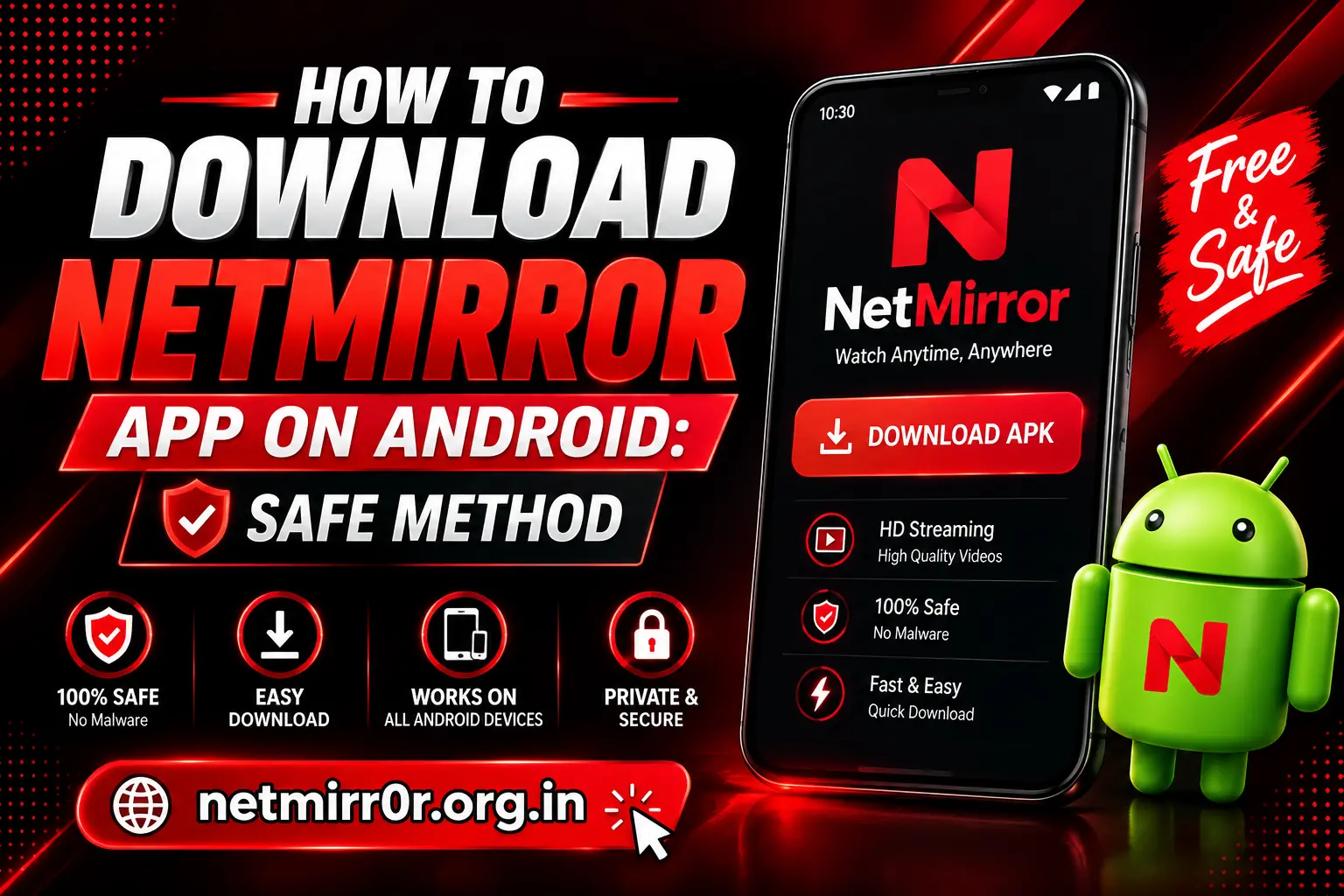
Before installing NetMirror, check whether the source is trustworthy and whether the app supports your device. Unofficial files may pose security risks, so avoid unknown downloads. Follow the steps below for Android and PC, and do not install files that trigger security warnings.
To install the NetMirror APK on Android, first check the file source and your phone’s security settings. Only continue if you can verify that the APK is safe.
- Open a trusted source that provides the app.
- Download the APK file if its authenticity can be verified.
- Open your phone’s Downloads folder.
- Tap the APK file to start installation.
- Review the requested permissions before proceeding.
- Open the app if installation completes and the file appears safe.
If you search for the NetMirror app for pc, first check whether the service offers an official Windows app or a supported website. Avoid unknown installers and unofficial emulator files.
- Open your browser on your PC.
- Check whether a verified NetMirror website supports browser access.
- If an official Windows version exists, download it from the developer’s trusted source.
- Open the installer and follow the setup instructions.
- Scan the file with your security software before opening it.
- Simple browsing experience.
- Easy access to available content.
- Offers different entertainment categories.
- Supports quick content searches.
- Provides a flexible viewing experience.
- May offer multiple language options.
- Includes basic playback controls.
- Lets users browse without a complex setup.
- May work through a web browser.
- Offers an alternative to paid streaming services.
- Content availability may change.
- Some sources may be unreliable.
- Unofficial APKs can pose security risks.
- Streaming may buffer on slow connections.
- Official support may be limited.
- Content licensing and availability may be unclear.
NetMirror offers another way to browse online entertainment and look for movies or TV shows. Users considering a NetMirror APK download for mobile should first check the source and confirm that the file is trustworthy. The service may provide a simple browsing experience, but content availability and playback quality can vary. Also, unofficial versions may create security risks or lack reliable support. Therefore, review app permissions and avoid unknown files. If you prefer licensed content, regular updates, and official customer support, consider a trusted streaming service instead. Choose the option that fits your viewing needs while keeping your device and personal data safe.
What is NetMirror APK?
NetMirror APK is an Android installation package associated with access to online entertainment content. Its features and content availability may vary by source.
Is NetMirror safe to use?
Safety depends on the website and file you use. Unofficial downloads may contain harmful code, so avoid unverified files.
Is NetMirror free to use?
Some versions are advertised as free. However, access, available features, and possible charges may differ between sources.
Can I use NetMirror on Android?
Some versions may target Android devices. Check device compatibility and verify the file source before installing anything.
Can I use NetMirror on a PC?
You may be able to access a compatible web version through a browser. Avoid unofficial installers if you cannot verify their source.
Is NetMirror available for iPhone?
Availability for iPhone may vary. Check whether a trusted, compatible version exists, and avoid unknown configuration profiles or downloads.
Does NetMirror offer movies and TV shows?
The service may list different types of entertainment content. However, the catalog can change, and not every title will always be available.
What is NetMirror Mod APK?
A modified version may claim to offer extra features or fewer restrictions. These claims are not guaranteed, and modified files can pose security risks.
What are the best alternatives to NetMirror?
Netflix, Prime Video, YouTube, and other official streaming services offer different content libraries. Availability, pricing, and features depend on your region.